Payments & invoicing
Get paid for every trip, and know which ones you haven’t.
Money is where small gaps become real losses: a deposit nobody took, a balance nobody chased, a refund nobody recorded. Chauffrapp keeps the money with the booking — what was charged, how, and what is still owed — so the answer to "has this been paid?" is on the trip.
Included in every plan
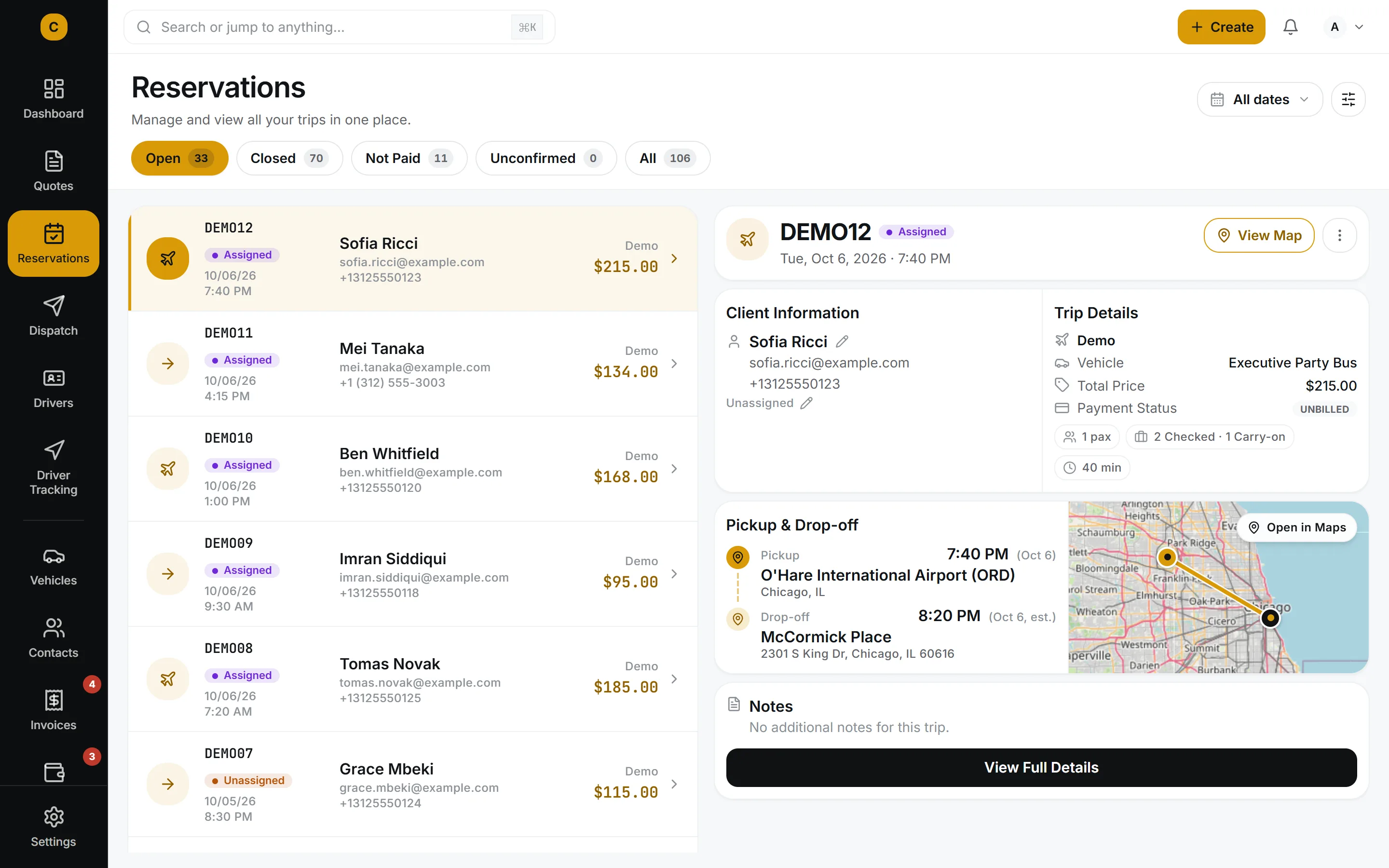
Take payment the way the job needs
Charge in full, take a deposit, or hold an amount and capture it after the trip. Card details are collected by Stripe inside your own pages and never touch your systems.
- Full payments and deposits at booking
- Authorise now, capture after the job
- Saved cards for repeat and corporate customers
- Refunds recorded against the payment they came from
Invoices without retyping
An invoice is raised from the booking, with the same line items the customer was quoted, and payments recorded against it bring the balance down.
- Invoices built from the booking’s own prices
- Printable invoices with the full breakdown
- Balance due tracked across every trip on the order
Customers can settle up themselves
Every booking has a link the customer can open to see their trips, the prices and anything still owing — and pay the balance by card from the same page.
- The amount is always worked out by the server, never by the browser
- The same payment can never be recorded twice
Who it’s for
Payments & invoicing for every kind of operator
Questions
About payments & invoicing
Which payment processor do you use?
Stripe. It handles the card details, so your business never stores or sees full card numbers.
Can I take a deposit now and the rest later?
Yes. Take a deposit at booking, and the remaining balance shows on the booking and on the customer’s link until it is paid.
Works with
Part of one system
Customer portal
A live link to every booking, and an account where customers see their trips and receipts.
Learn moreReports, payroll & payables
Revenue, driver pay and what you owe affiliates and vendors — without a spreadsheet.
Learn moreQuotes & reservations
From enquiry to confirmed booking in one place, with every trip on the order.
Learn moreSee payments & invoicing with your own fleet.
Book a demo and we will set it up with your fleet and your rates, and walk your team through it.