Two apps. One for the road, one for the office.
For Android and iPhone. Your drivers get their jobs and nothing else; you and your dispatchers get the whole business, wherever you happen to be.
Driver app
Everything for the job, nothing to get wrong.
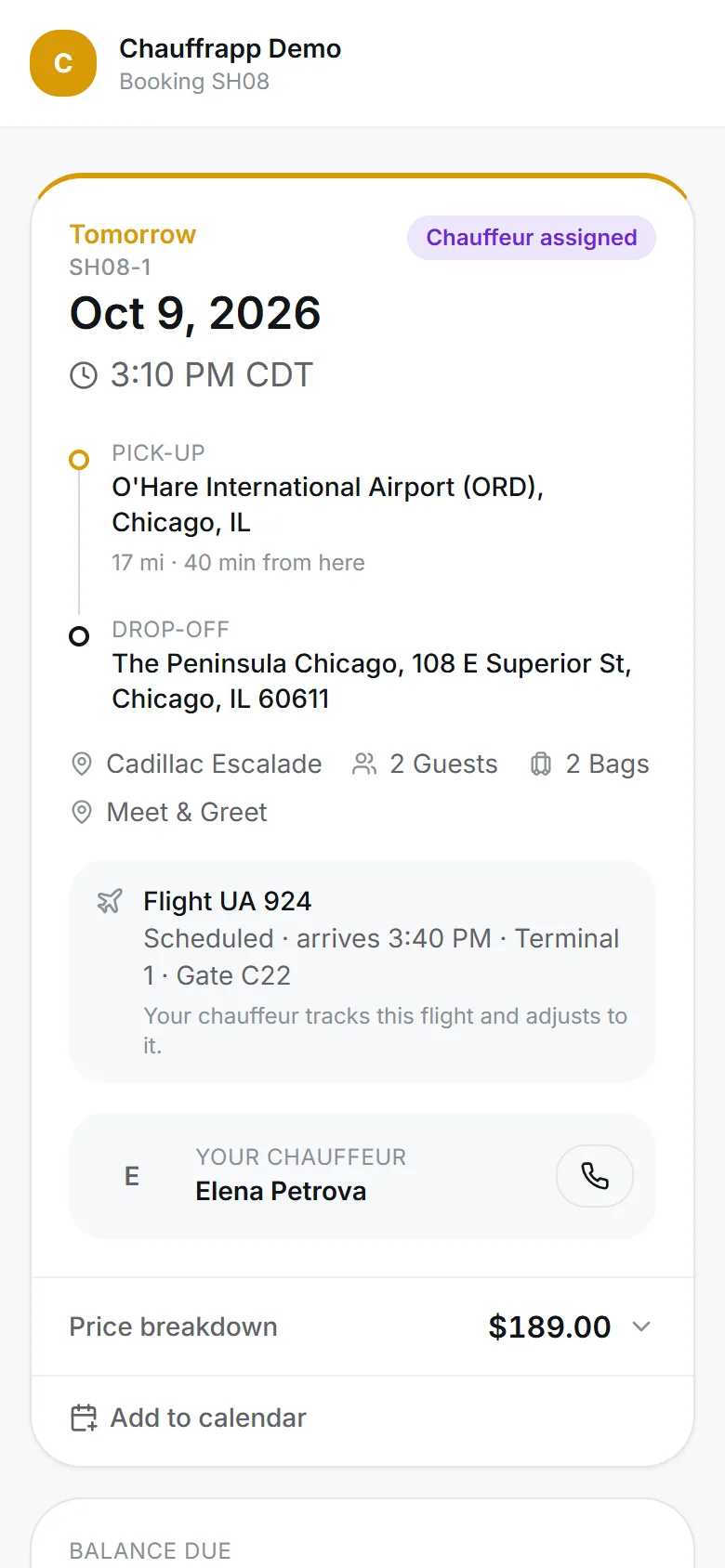
Each driver signs in and sees only the trips assigned to them — with the pickup, the passenger, the luggage, the flight and the notes you wrote. Every status they tap reaches the dispatch board at once.
- Accept or decline new jobs
- Open the route in their navigation app with one tap
- On the way, arrived, passenger on board, dropped off — timestamped
- Flight status on airport pickups
- Mark a no-show, with a confirmation so it is never tapped by accident
- Drivers who work for several companies switch between them in one app
- Location shared only while the app is open — never tracked off duty
Today · 2:20 PM
Chicago Midway International Airport (MDW)
Hyatt Regency McCormick Place
Flight WN 1345
Delayed 35 min · Gate A11
Dispatcher app
Run the business from the car park.
The console, built for the phone. Assign a driver, re-price a trip, take a booking or charge a saved card — the same changes your office makes, applied the same way, with the same permissions.
- Dispatch board with filters
- Every trip in full, and editable
- Take and price new bookings
- Charge saved cards
- Drivers, vehicles and vehicle rates
- Pricing, zone, trip and cancellation rules
- Contacts, companies and quotes
- Team, promo codes, templates and reports
Getting the apps
Set up with you, on your team’s own phones.
When we set your company up, your drivers and dispatchers sign in with the accounts you create for them. For your office team, two-step sign-in and roles work the same in the dispatcher app as on the web.
See both apps on a demo.
Book a demo and we will set it up with your fleet and your rates, and walk your team through it.